


By trade · Demolition
Tear-out, haul-off and salvage, all on the job that paid for it
Measure your tear-out off the existing-conditions sheets, count what comes out, and keep every dumpster pull and every surprise behind the wall on one job.
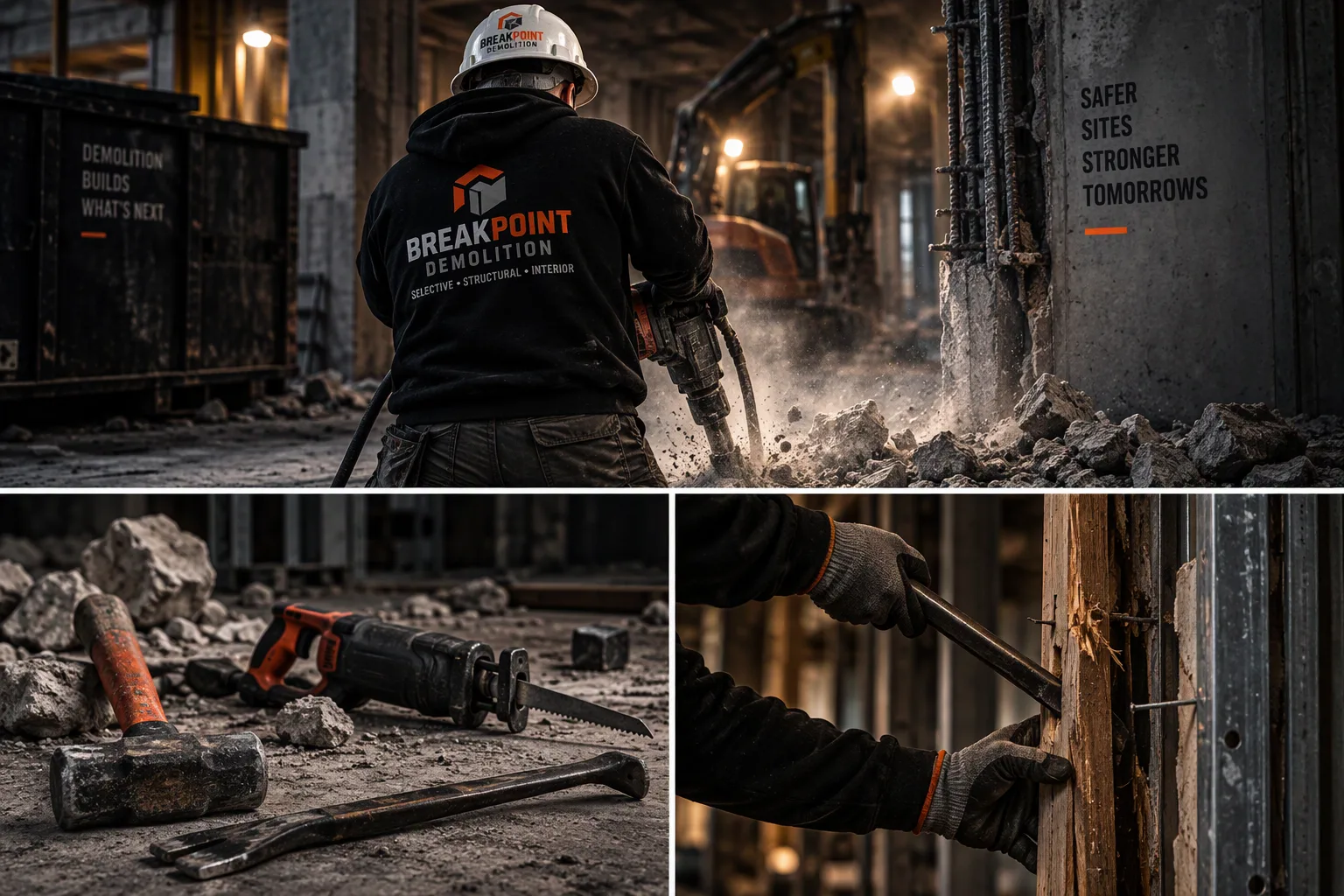
On a demolition job
- Excavator with shear
- Jackhammer
- Sledgehammer
- Sawzall
- Skid steer
- Roll-off
How a demolition job runs
- 01Survey and protect
- 02Strip out
- 03Selective demo
- 04Break and load
- 05Haul off
- 06Sweep and hand over
Pinnacle follows a demolition job through every step, from survey and protect to sweep and hand over, and from the takeoff to the closed books.
Everyday problems on a demolition job
- Dumpster pulls and tipping fees land on the company instead of the job that filled the can.
- The selective demo scope on the existing-conditions sheet never gets checked against what the crew actually took out.
- Hidden conditions behind the wall get removed on the spot and written up weeks later, if at all.
- Salvage credit and haul-off sit in a notebook, not on the job cost.
(Illustrative trade situations, not customer data or quotes.)
How it works
- Take it off the plans: Measure walls, ceilings and slab to remove, and count fixtures and equipment to pull, right on the existing-conditions sheet.
- Buy it and post it: Put roll-offs, trucking and the disposal site on a PO, and post every pull and tipping bill to the job.
- Change it, bill it, close it: Write up hidden conditions as change orders, bill the demo lines on the pay app, and check job P&L before you leave the site.
Shop talk, Pinnacle talk
What you call it on a demolition job, and where it lives in Pinnacle.
| On the job | In Pinnacle |
|---|---|
| Selective demo, gut, tear-out | Measured areas and lengths on the takeoff |
| Fixtures and equipment to pull | Counted items on the plan |
| Roll-offs, tipping fees, trucking | POs and bills posted to the job |
| Hidden conditions | Change orders |
| Crew hours by phase | Hours by cost code, then payroll |
What's in Pinnacle
- Takeoff on the drawing. Open the plan set, measure lengths and areas, and count items right on the sheet. Every measurement becomes a quantity line in the estimate, so each number in your demolition bid traces back to the drawing it came from. Trade tools are built to let you mark removals by area and material on the plan so selective demo feeds the estimate Early access.
- Bid board to bid day. Every project you're chasing sits on one bid board, with its estimate attached. On bid day the final numbers are all in one place, and the bid you win carries straight into a live job.
- Assemblies and a parts library. Build an assembly once from your own parts and cost codes, then drop it into any estimate. Your shop's way of pricing work stays consistent from bid to bid.
- Live material prices. Material lines in the estimate carry live prices. Built to let you plug in your own price sources (supplier price files in CSV, supply houses or pricing services) from the admin area Early access.
- Cost control tied to the job. Purchase orders for haul-off, bills, AP and AR post to the job and its cost codes. Job cost shows what's committed and what's spent while the work is still going.
- Change orders and extras. Log added scope on the job and the sold number moves with it, so extras get billed instead of forgotten.
- WIP and job P&L. See where each job stands at month end without rebuilding it in a spreadsheet.
- The books. Journals, trial balance, P&L and aging sit in the same system as the jobs that feed them.
- Hours and payroll. Post crew hours (straight, overtime, double time) and run payroll from them. Built today for a single shop; payroll for any shop is designed into the platform Early access.
- AIA G702/G703-style pay apps. Build the pay app from the job you already set up, with the schedule of values right there.
- Insights. Making-and-spending charts, plus billed, leftover and job mix, pulled from your job files.
- Teams and job chat. Channels, meetings and files for the office and crews, and job chat that keeps the files and photos with the conversation.
- Project manager desk. One place for a PM to run their jobs.
- Secure sign-in. Multi-factor sign-in protects your shop's data.
The Pinnacle vision
Where the product is headed. Each item below is designed into the platform.
- Invoice inbox: Designed to let you drop a supply-house PDF and file the bill to the job in one click Early access
- Price alerts: Designed to flag price moves in your own price sources (supplier price files in CSV, supply houses or pricing services) Early access
- Executive view: Designed to give owners live jobs and one-click approval lists Early access
- CSV export, email the books, reverse posted entries: Designed to export journals, trial balance and job cost, email the books, and reverse a posted entry instead of editing it Early access
- Payroll lock: Designed to lock payroll when the period closes Early access
- Certified payroll and WH-347: Designed to prepare and track certified payroll, WH-347 and tax worksheets (Pinnacle does not file or certify with any agency) Early access
Also in Pinnacle
- Shop files: View shop files right on the job
Questions
Is there a separate edition for demolition?
No. Every trade uses the same Pinnacle office package, from the estimate to the books.
Can I take off quantities from the drawings?
Yes. Measure and count on the plan and send the quantities to the estimate. Trade tools are designed to go further and mark removals by area and material on the plan so selective demo feeds the estimate Early access.
Do POs and bills stay on the job?
Yes. POs, AP, and AR live in cost control, tied to the job.
Can I see WIP and job profit?
Yes. WIP and job P&L sit in the books next to journals and the trial balance.
Can it run payroll for my shop?
Crew hours (straight, overtime, double time) post in Pinnacle, and payroll runs from those hours. Payroll is built today for a single shop; payroll for any shop is designed into the platform Early access. Request a demo to see it.
Can I prepare certified payroll and WH-347?
Pinnacle is designed to prepare and track certified payroll, WH-347 and tax worksheets Early access. Pinnacle does not file or certify with any agency.
AIA, G702 and G703 are trademarks of The American Institute of Architects; no affiliation or endorsement implied.
Tell us about your shop
Tell us how your office runs a demolition job today, from survey and protect to sweep and hand over. We'll walk through Pinnacle on your kind of work.